Big & Tall Ergonomic Office Chair Fit Guide for Work/Gaming
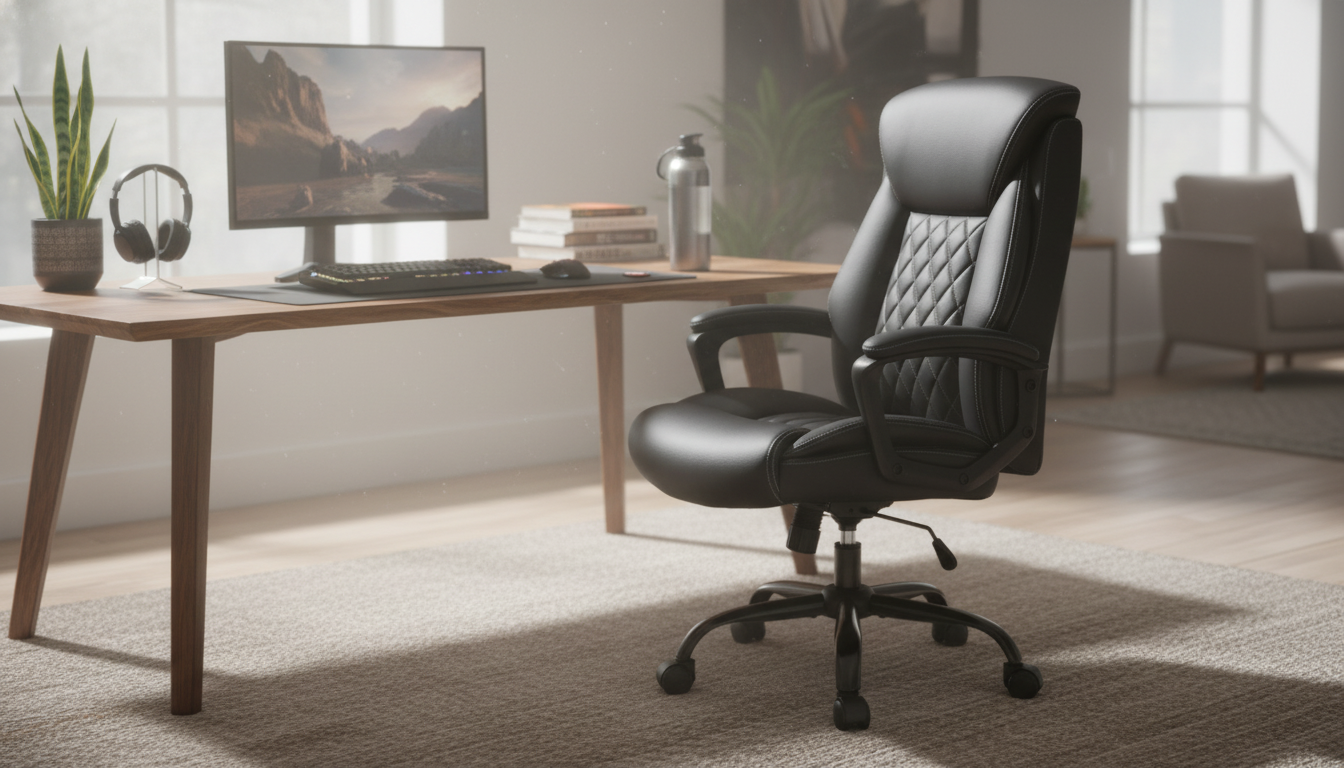
Big and Tall Ergonomic Office Chair: Adjustable Comfort for Work and Gaming
A chair that fits larger and taller frames can make long hours at a desk feel steadier, more supported, and less fatiguing. The difference usually comes down to adjustability, comfort features that hold up over time, and the kind of stability that keeps the chair feeling planted when you shift positions. Below is a practical guide to choosing a big and tall ergonomic office chair that works for focused desk time, study sessions, and after-hours gaming.
Who This Chair Suits Best
Big and tall ergonomic chairs are built for users who need more range and structure than a typical “one-size” seat can provide. They’re especially helpful when standard chairs top out too low, feel too narrow through the seat and back, or start to wobble and flex during everyday use.
- Taller users who need a higher seat range and better thigh support to avoid pressure behind the knees
- Bigger builds that benefit from a wider seat, stronger base, and stable arm support
- Hybrid use: desk work by day and gaming by night, where posture shifts and recline support matter
- Home office setups where comfort needs to hold up for multi-hour sessions
- Anyone seeking ergonomic adjustability rather than a fixed “one-size” chair
Adjustability That Makes a Real Difference
Ergonomics is less about one perfect posture and more about being able to change posture without losing support. For bigger and taller users, small fit issues can turn into constant pressure points—so prioritize adjustments you’ll actually use daily.
- Seat height: Aim for feet flat on the floor (or on a footrest) with knees near hip level.
- Backrest recline: A controlled recline supports micro-movement and reduces the strain of static sitting.
- Lumbar support: Adjustable lumbar (or a lumbar cushion) helps maintain a neutral lower-back curve.
- Armrests: Adjustable arm height reduces shoulder tension during keyboard and mouse use.
- Seat depth and contour: Sufficient depth supports thighs while leaving a small gap behind the knees for circulation.
If you want one quick “tell” of a good fit: when you sit back, your pelvis should feel supported (not shoved forward), and your shoulders should drop naturally once your forearms are supported.
Comfort Features for Long Sessions
Comfort isn’t just softness. For multi-hour workdays and extended gaming, the goal is steady support that doesn’t compress, trap heat, or force you into constant fidgeting to find relief.
- Cushioning density: Firmer foam often holds shape longer for bigger and taller users than overly soft padding.
- Breathability: Consider how warm the chair feels during extended use (especially for gaming).
- Head/neck support: A properly positioned headrest helps when reclining, but shouldn’t push the head forward when upright.
- Edge pressure: A waterfall-style seat front can reduce pressure on the backs of the legs.
- Quiet, smooth movement: Stable tilt and rolling contribute to comfort by reducing constant small corrections.
For gaming, a chair that reclines smoothly—and holds that recline without drifting—often feels more relaxing than a chair that only feels good upright.
Stability, Build, and Day-to-Day Durability
A big and tall chair should feel confident: no side-to-side wobble, no “tippy” base when you lean back, and no creaky flex that grows over time. Stability matters as much as padding because it reduces the subtle bracing your body does when a chair feels uncertain.
- Base and casters: A wider, sturdy base helps prevent wobble and improves confidence when shifting posture.
- Frame strength: Prioritize rigid support to reduce long-term flex and squeaks.
- Upright support: The chair should feel secure at a working posture, not only when reclined.
- Desk compatibility: Confirm armrest height fits under the desk, or choose armrests that adjust low enough.
- Floor type: Match casters to hardwood, tile, or carpet to avoid dragging and uneven rolling.
Quick Fit and Setup Checklist
| Adjustment | Target Position | Why It Helps |
|---|---|---|
| Seat height | Feet flat; knees near hip level | Improves circulation and reduces leg fatigue |
| Lumbar support | Supports the natural inward curve of the lower back | Reduces slouching and lower-back strain |
| Armrest height | Forearms supported with relaxed shoulders | Decreases shoulder and neck tension |
| Backrest recline | Slight recline for breaks; upright for focused tasks | Encourages movement and reduces static posture |
| Monitor height | Top of screen near eye level | Helps prevent neck craning and upper-back rounding |
How to Dial In Ergonomics at Your Desk
For additional workstation guidance, see OSHA’s Computer Workstations eTool and the Mayo Clinic overview of office ergonomics.
Work vs. Gaming: What to Prioritize
When a Big and Tall Chair Still Doesn’t Feel Right
For deeper ergonomics recommendations, NIOSH also publishes broad ergonomic guidelines that can help you spot desk setup issues beyond the chair.
Featured Picks Available Now
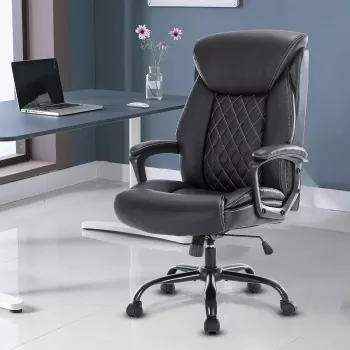
- Big and Tall Ergonomic Office Chair: Adjustable, Comfort-Focused Gaming and Desk Chair
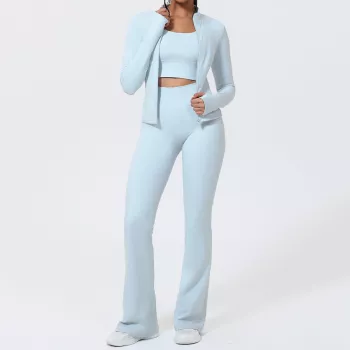
- Women’s Long-Sleeve Yoga Jacket & High-Stretch Fitness Set
- Personal Finance Made Easy Ebook – Budgeting, Saving, Investing & Debt Management Guide for Financial Freedom
FAQ
How should a big and tall office chair fit when it’s adjusted correctly?
Feet should be supported, knees should sit near hip height with a small gap behind the knees, and the lumbar support should maintain your natural lower-back curve. With armrests set well, shoulders stay relaxed while your forearms are supported.
Is a reclining backrest helpful for long desk sessions?
Yes—moderate recline can reduce static sitting and make short comfort breaks more restorative. For focused work, most people feel best with a more upright position and steady lumbar support.
What’s the easiest way to reduce lower-back fatigue in a desk chair?
Set seat height first, then adjust lumbar support to keep your spine neutral rather than slouched. Align your monitor and keyboard so you aren’t leaning forward to see or reach.












Leave a comment